
Why the DS Color Atlas Exists
(Or: Why a $100 Color Scanner Made Me Cry)
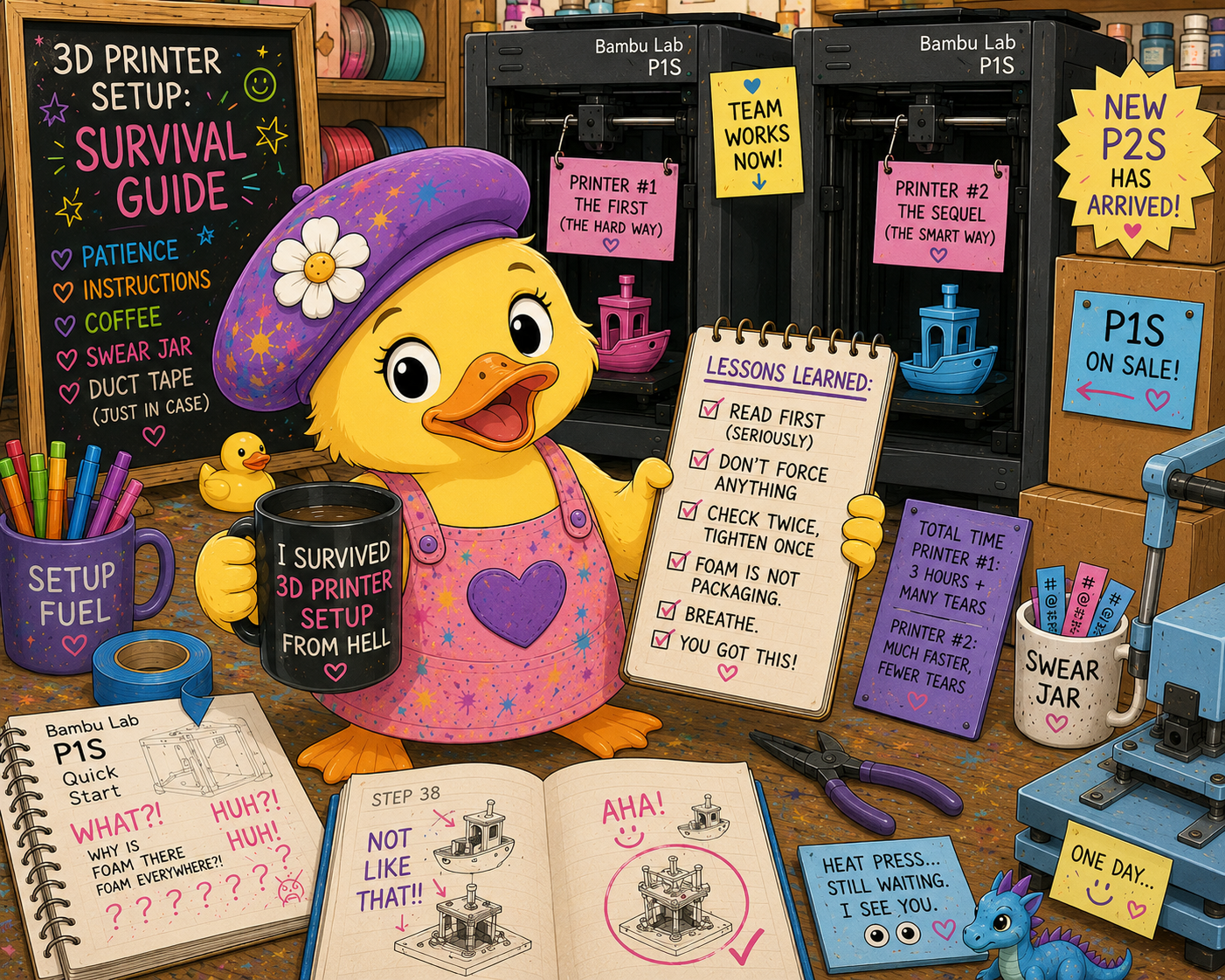
🐥 A quick note: Yes, the silly Painter Duck illustrations in this post were created with AI. They’re here to make you smile. I use AI as one of many creative tools, alongside my paintbrushes, colored pencils, and increasingly questionable bassackwards decisions. The best tools aren't the ones that do the work for you. They're the ones that let you get back to doing yours.
Where do you even start?
You see a flower. A photo. Another painting. You think, I want to paint that. Yep... my photo album is full of "I'm going to paint that someday" pictures. Sorry, kids.
So now what?
That flower isn't going to help you. It's not going to lean over and say "hey, hey you, yeah you…I'm a Prismacolor 942, warm undertone, you're welcome." No. That flower is going to sit there and stare at you like, what's up, loser? Good luck painting me.
So you're on your own. And for years, this is how I tried to solve it.
The Pause & Rewind Years
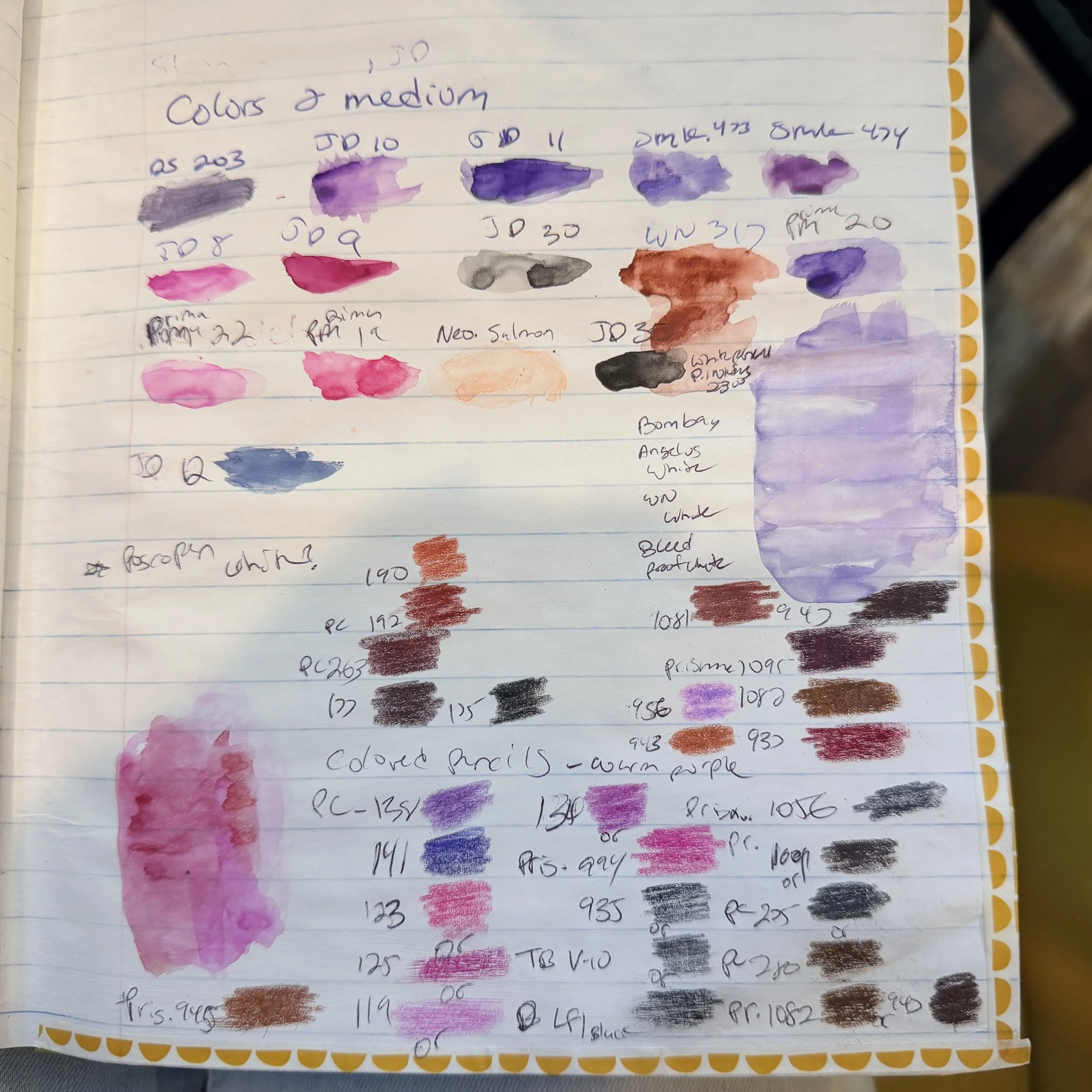
I'd be watching art classes online, and the teacher would speed through drawing, painting and blending five colors in about thirty seconds. I'd be sitting there frantically pausing, writing, rewinding, pausing, writing, rewinding again. Okay, that's Prismacolor... no wait... that looks more like Arteza... no wait... Before I'd even tried to follow along painting, I'd built a long list of "maybe this, maybe that."
I must admit, though... all those years turned me into a pretty decent art supply detective. Show me a photo of someone's workspace, and there's a good chance I can tell you what they're using.
Just try me.
(Although if you send me a picture of a completely empty desk, I'm probably just going to reply, "You suck.") 🫠
The Apps that Promised the Shortcut
Then I found the apps.
Upload your photo, and it’ll tell you the exact pencil that matches. Great, sign me up.
I used one of those for the longest time, although it was more of a “mix this color with that color” kind of app. I hate mixing… then the creator stopped updating it. ☹️
But they were never quite right.
Sometimes an app would tell me, “Prismacolor So-and-So… 98% match.”
Okay...
So I’d pull that Prismacolor out, swatch it, and compare it to what I was seeing on the monitor.
Nope.
That wasn’t what I was seeing.
So I’d grab another pencil.
Swatch.
Nope.
Try again.
Before I knew it, I was stuck in a never-ending game of rinse and repeat.
That’s where all my time disappeared.
The Swatch Spiral
And then things got… a little out of hand.
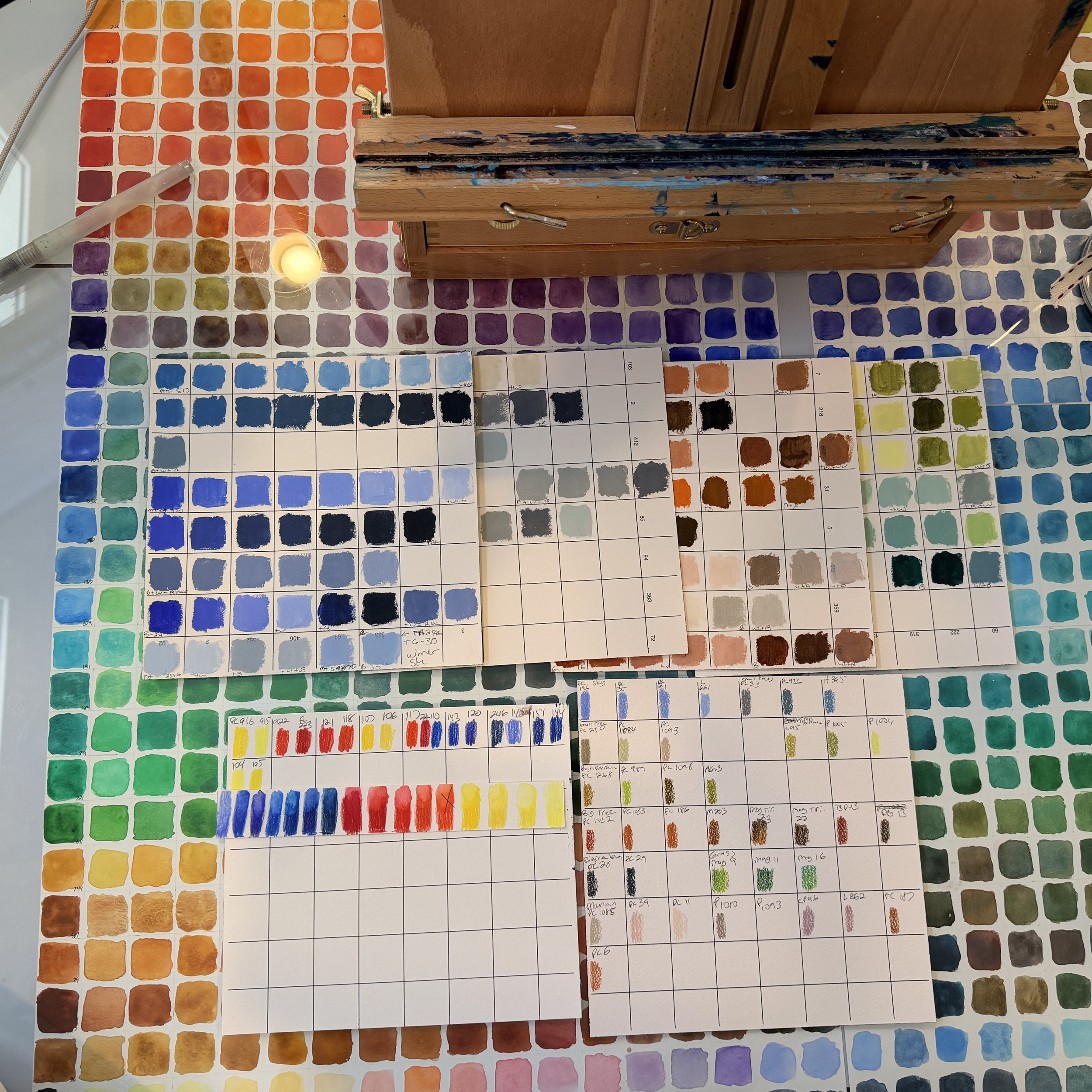
Sometimes I’d get ambitious and think, You know what? Let me just swatch every class ahead of time so I never have to do this again.
Then I’d get bored halfway through.
I wouldn’t paint.
I wouldn’t finish the swatching either.
I’d just have a drawer… an actual drawer… full of project-specific swatches for paintings I never got around to.
Some of those paintings I never painted at all.
Literally, I spent a good chunk of my time trying to figure out the colors and didn’t get to the part where I actually got to be an artist.
Sheesh.
For goodness’ sake, woman… get it together.
You’re spending more time looking for the perfect color than actually painting.
…Dun, dun, dun…
Cue the DS Color Atlas…
…Actually, not yet.
I’m getting ahead of myself.
Moving on.
Every Idea, Same Problem
By this point I'd tried everything I could find. Different AIs, websites, apps... anything that claimed it could solve this.
They all got close.
They were all doing the same thing under the hood: hex codes, RGB values, LAB values... some algorithm's idea of a "match."
Which is great... if you paint with hex codes.
I don't.
I paint with colored pencils, acrylics, watercolors... and occasionally alcohol markers.
Actually, scratch that. I don't even like alcohol markers. I mostly use the refill ink now. Long story. That's another blog.
None of it was what I was actually seeing with my own eyes.
I wasn't trying to prove the apps were wrong.
I was trying to make what I saw on my monitor match what I saw sitting on my desk.
Those are two completely different things.
Then My Husband said Something Annoying…
My husband, who'd been using Claude for work, said, "You know Claude can build apps." 🙄
I did not believe him. I said something along the lines of whatever, Claude can't do that.
Look, I'm always right and he's always wrong. He can't tell me what to do. If he tells me to do something, my first instinct is to do the exact opposite…ALWAYS…
Except for this one teeny tiny, can't-consider-it-a-win time. 🤨
I tried it anyways. One day later, I had a working (janky, unfinished, held-together-with-AI) version of the DS Color Atlas.
...Turns out he was right.
Huh, who knew.
Still Not Quite Right
So, here's the thing. Claude had to start somewhere too. So I fed it published color data off the internet, the same stuff every other app was using.
I held up an actual Copic marker swatch, V05, next to what the app said V05 was.
Nope.
Sigh.
Not even close.
I remember just sitting there thinking, what am I missing?
Seriously... what am I missing?
Claude and I kept going back and forth. Tweak this. Nope. Try that. Still wrong. Adjust the saturation. Adjust the warmth. Adjust the brightness.
What am I missing?
Then Claude casually mentioned there was a device that could actually scan colors.
I just sat there.
Wait... what?
Are you freaking kidding me?
Why didn't you tell me that sooner, you mother fluffer!”
The Nix Mini 3: The Key
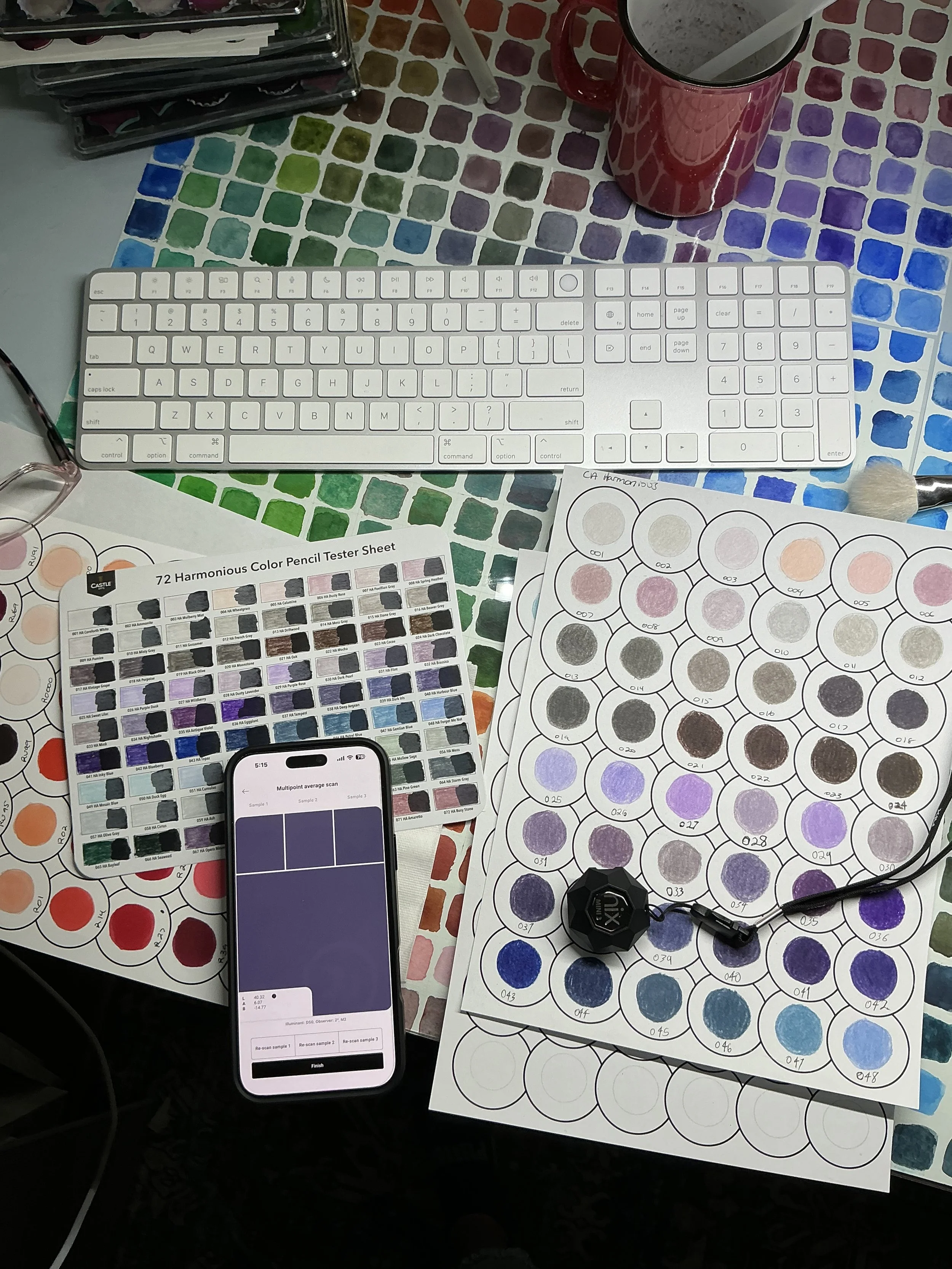
The Nix Mini 3, a little color-scanning device. I fully expected it to cost close to a thousand dollars, because that's just how these things go.
It was a hundred bucks.
Sold.
And why the hell not? With all the subscriptions, apps, and other crap I've bought over the years, what's another hundred dollars?
I've lit more than that on fire.
Probably threw it in the trash.
A raccoon likely dug it back out, stole my hundred bucks, bought himself a Shake Shack shake... and probably a side of fries too.
Anyways, when it arrived, and after I tried it I cried. Not because it was perfect, it's not 100% accurate. But because for the first time, I had a starting point based on my own swatch instead of somebody else's published ones. It completely changed my workflow.
Now I scan my own supplies, compare that to what I'm seeing on screen, adjust until it's right, and save it.
I only have to solve that color once.
Prismacolor 942? Once.
Copic V05? Once.
The next painting already knows the answer.
So Here's The Whole Workflow Now
Right now, while I'm building the Atlas, there's one extra step: scanning my supplies.
Once that's done, the workflow becomes:
Find an image.
Upload it to the DS Color Atlas.
Match the colors.
Paint.
Everything finally working together. Everything built around what I actually see, not what a database says I should be seeing.
I’m still going to spend countless hours swatching.
I’ll still be scanning every marker, pencil, and paint I own. Most of my swatches have a black stripe for testing opacity, but scanners need a clean white background, so many of them have to be done all over again.
And honestly? I don't mind.
I'm doing that work once.
After that, the next painting doesn't start with another drawer full of swatches.
It starts with painting. At least that is the plan.
After six or seven years of making swatches, comparing colors, trying apps, trying websites, and trying to figure out what I was actually seeing...
I’m finally excited to see something, think "I want to paint that," and actually know where to start. 🥳
Continue Exploring
See the latest version of the project and follow its progress.
Curious about the Nix Mini 3 or the supplies I actually use? I've gathered them all in one place.
The Color Conspiracy
The flower wouldn't tell me what color it was.
The internet confidently told me the absolute wrong one.
My pencils argued.
My monitor lied.
So I built my own answer.
Hope the universe doesn't collide.
- From the desk of Disorderly Studio, turning "that's close" into "that's it.